

Guide to electronic signing
Guide to electronic signing in Luottoposti
Thank you for choosing Luottoposti’s electronic signing service. This detailed user guide explains how to use electronic signing in Luottoposti. If you cannot find an answer to your question, please contact our customer service team.
1.
The signing process begins by clicking the “here” link in the signature invitation sent to your email. Simply clicking the link does not yet create a signature.

2.
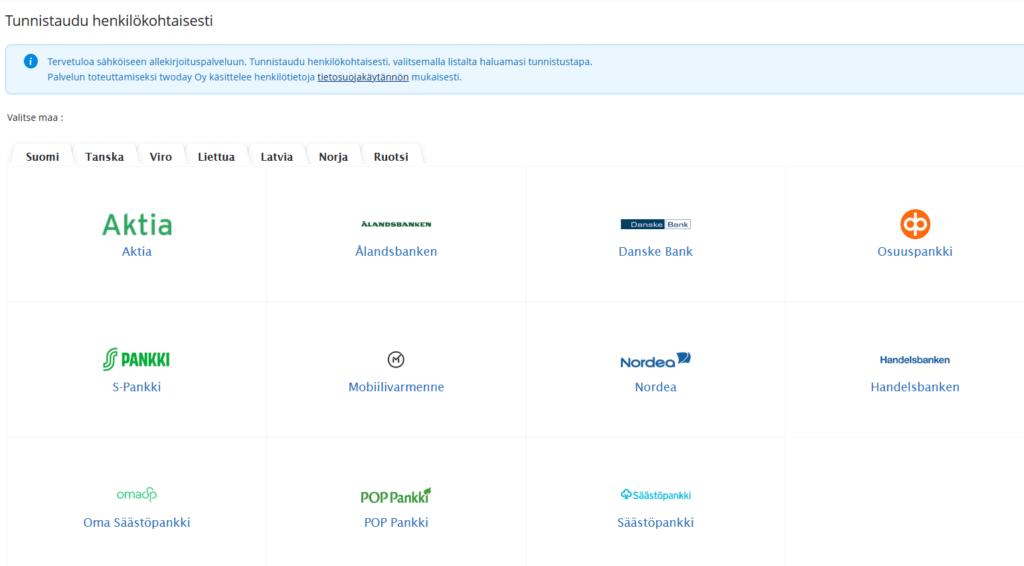
The system will prompt you to complete strong authentication. Click the icon of your chosen authentication provider (online banking credentials or mobile certificate) and authenticate yourself.
3.
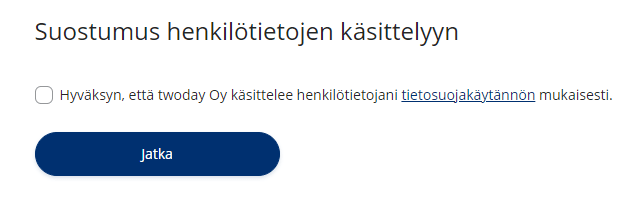
When you access the signing process for the first time, you will see the section “Consent to the Processing of Personal Data”. By accepting the consent, you can proceed with the signing process. This view is displayed only the first time you sign a document and will not be shown again during future signing sessions.
4.
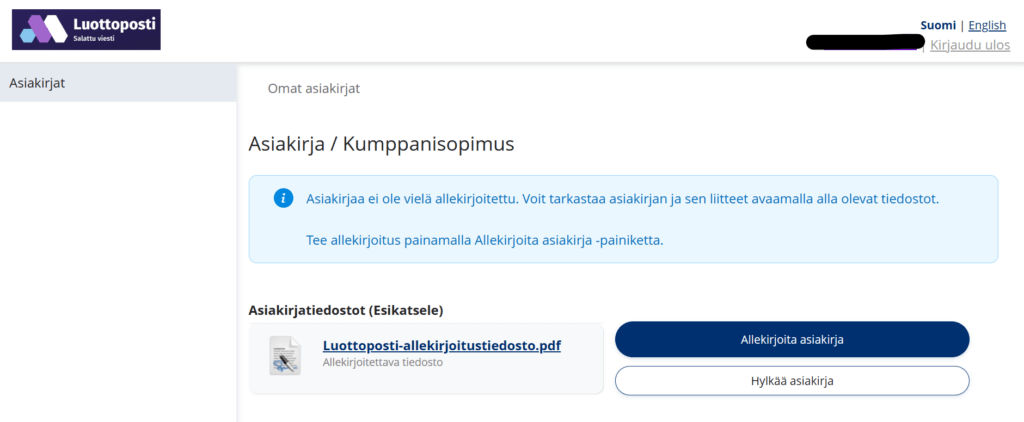
On the document page, you can review the document to be signed and either sign it or reject the signature request. Please review the document carefully before signing, as the signature is legally binding. If you do not intend to sign the document, you must reject the signature request. Otherwise, you will continue to receive email reminders about the unsigned document.
5.
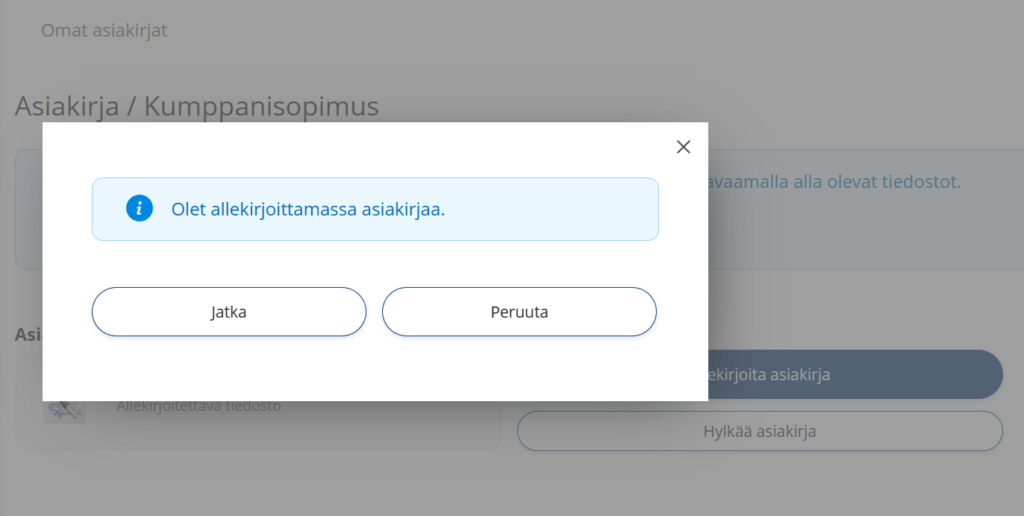
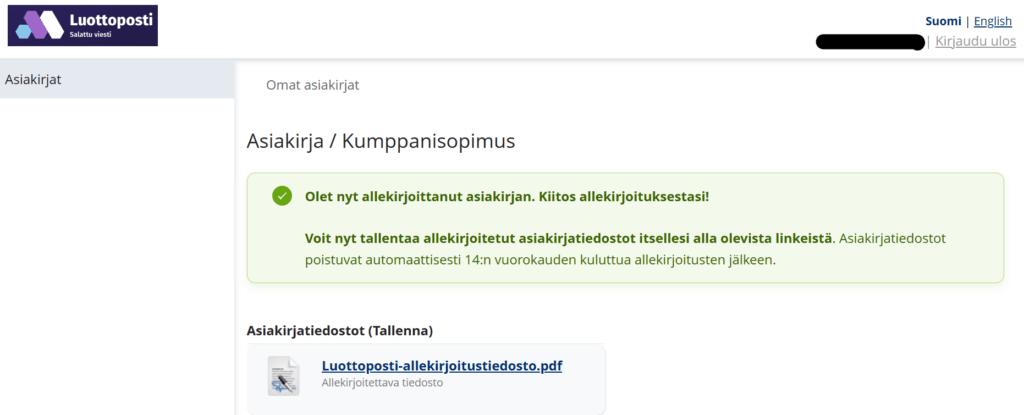
Once you have selected “Sign document,” the “Continue” button will be displayed, allowing you to confirm the signature. The signing process is completed only after this step. You will then see the message: “You have signed the document.”
6.
After signing, download and save the signed PDF files. It is important that you download and retain the signed PDF files, as they will be removed from the Signom signing service after a specified retention period.
Note!
You can also return to the signed document within 14 days by using the same link in the email message that contained the original signature invitation.
Customer Support
You can contact Luottoposti Customer Service by email at asiakaspalvelu@luottoposti.fi or by using the Contact Form.